Jetzt wo die die Dartscheibe fertig ist vorheriger Schritt, das schwerste ist getan. Müssen wir noch etwas code auf den Arduino bringen.
Um das zu erledigen :
- Windows Benutzer : install Arduino drivers furnished in the pyDarts package : folder „arduino/arduino_drivers“
- Download and unpack the arduino administration software from the Arduino official website
- Unpack the latest pyDarts package. (Let's interest to „arduino“ folder for the moment)
- Plug your arduino controller into a free USB port
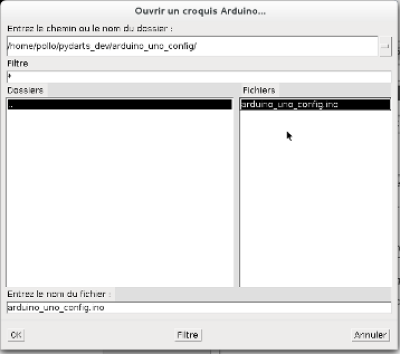
- Launch the arduino software. Click „File“ > „Open“, one of the sample files furnished with pyDarts (in the folders „arduino_uno_config_XxX_sample“). The files are .ino files.
This opened file looks like this piece of code :
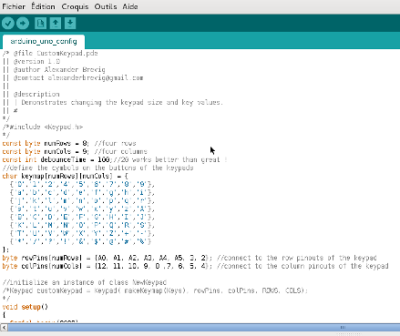
Adapt it to your configuration ! The rows and cols must corresponds to the solders you did previously. This is one of the most important step and you MUST understand it before going further. - Click on the „Upload“ button (the arrow pointing right) to send this configuration to your controller.
- Close the Arduino software, you're done for this part !
Die Dartscheibe ist nun fertig zum spielen. Doppel-Klick auf die pyDarts Anwendung und habe viel Spass!