This is an old revision of the document!
Table of Contents
Required hardware
- Mandatory :
- An old electronic dart board
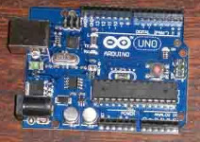
- An Arduino UNO
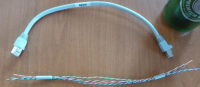
- Small cables (like the ones in a old Ethernet cable)
- Optional but could be useful :
- Auto crimp
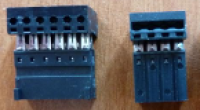
- Connectors
- Proto board
Required tools
- Soldering iron
- Unsoldering braid
Concept
The board is made by 62 portions : 20 singles, 20 doubles, 20 triples and 2 bull's eye.
When you touch a portion, it quickly shuts a switch. So there is 62 switches behind your dart board. One for each part of your board.
Behind your board, there is two plastic leaves one over the other. They hold all the switches. When your dart press on the board's potion, the two leaves touch themselves, and the circuit is shuts. The signal is sent.
Electronically talking, all the switches can be represented inside a matrix.
Each plastic leaf output as a plastic ribbon, holding the leads of an axis of the matrix.
In a 8×8 example, a plastic ribbon hold the X axis (1 to 8) and another the Y axis (A to H) :
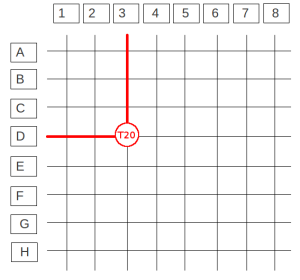
Let say a your triple 20 (T20) has the crossing between the “D” and the “3”. For the Arduino and the computer, every portion has its own crossing.
So we will load the representation of the matrix (a matrix table) in the Arduino, so each time you will hit a portion of your board, it will send a specific signal to the computer depending of the row and the column hit on the matrix.
It is recommended (but no more mandatory) to connect board's buttons : so “next player”, “backup turn” and “give up” can be done directly from board during games. So we need add a column to the matrix.
On the Arduino UNO micro controller, there are severals connectors : A0, A1 ….1,2,3..etc. With the example of a 8×8 ribbons + 1 column for the buttons (= 8×9), you will get something like the following example :
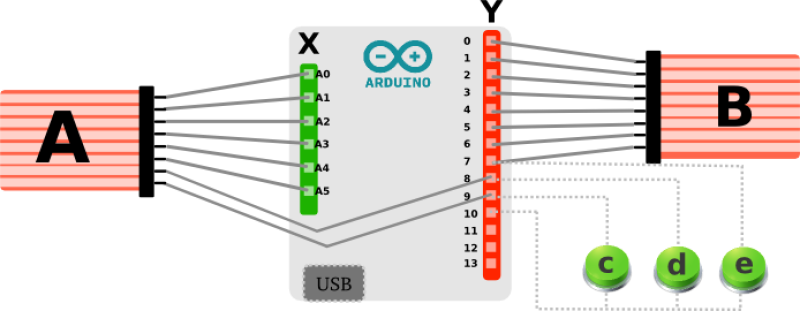
A : first slick (here with 8 pins, it can be different on your board)
B : second slick (here with 8 pins, it can be different on your board)
X : Arduino inputs
Y : other Arduino inputs
c,d,e : optional buttons. Those buttons are used for “Press player”, “Abort game”, and “Backup turn”
Example pictures
Opening the back of the dart board
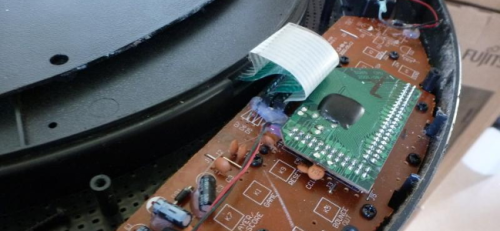
Unsolder the two slicks from the motherboard
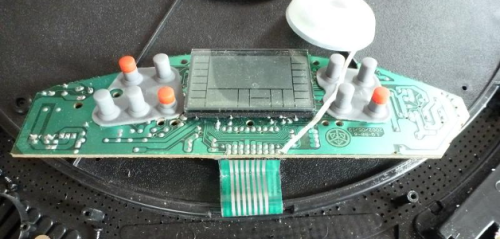
Unsolder the two slicks from the motherboard (in action)
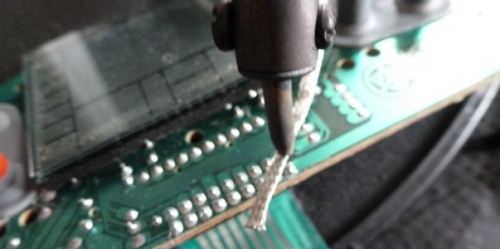
Once the two slicks are free from the main board
Optionnal : if you wish to use the main board for buttons, we strongly recommand you to remove all the components from main board.
To make room space for the Arduino, eventually cut the main board without cutting the places nor the circuit of buttons.
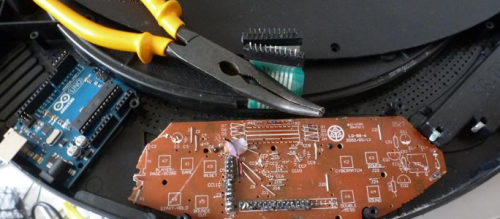
Prepare your Arduino and your cables
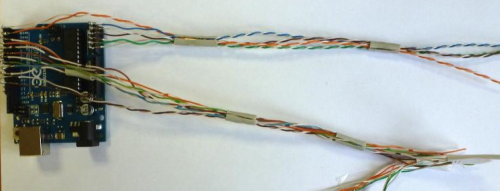
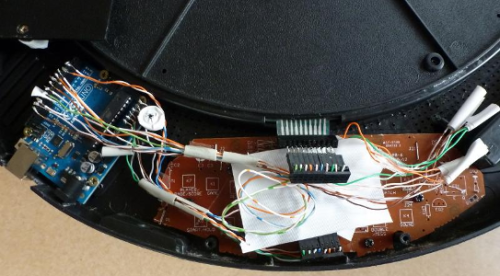
You final assembly could look like the following