
arduino_sketch_file_for_pydarts
Now that your board is done, transplanted and nice as shown in the previous step, the hardest is done. You need now to upload a small piece of code in your Arduino controller.
To do so :
- Windows users : install Arduino drivers furnished in the pyDarts package : folder “arduino/arduino_drivers”
- Download and unpack the arduino administration software from the Arduino official website
- Unpack the latest pyDarts package. (Let's interest to “arduino” folder for the moment)
- Plug your arduino controller into a free USB port
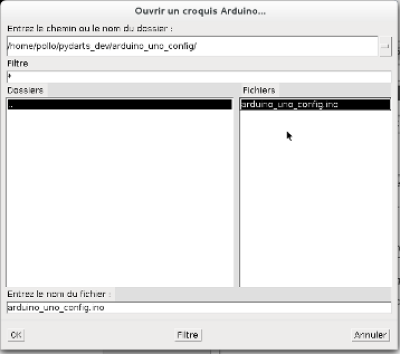
- Launch the arduino software. Click “File” > “Open”, one of the sample files furnished with pyDarts (in the folders “arduino_uno_config_XxX_sample”). The files are .ino files.
This opened file looks like this piece of code :
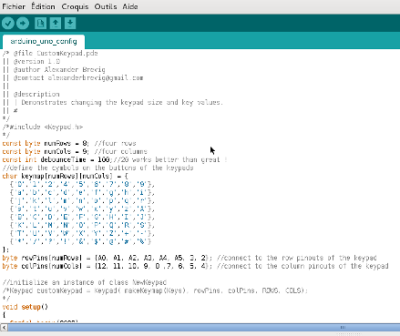
Adapt it to your configuration ! The rows and cols must corresponds to the solders you did previously. This is one of the most important step and you MUST understand it before going further. - Click on the “Upload” button (the arrow pointing right) to send this configuration to your controller.
- Close the Arduino software, you're done for this part !
Your board is now ready to play. Double-click on the pyDarts executable file, and have fun !
arduino_sketch_file_for_pydarts.txt · Last modified: 2024/01/01 16:31 by 127.0.0.1